
How many times in a day do you have to type the same commands before you automate? For me, this decision happens quickly. I have a large number of Angular applications that live on Azure Web App Services via Docker container. When I make updates (after testing), I have to:
- Change Version
- Add to Git, Commit, Push
- Build Angular
- Build Docker Container
- Push to Azure
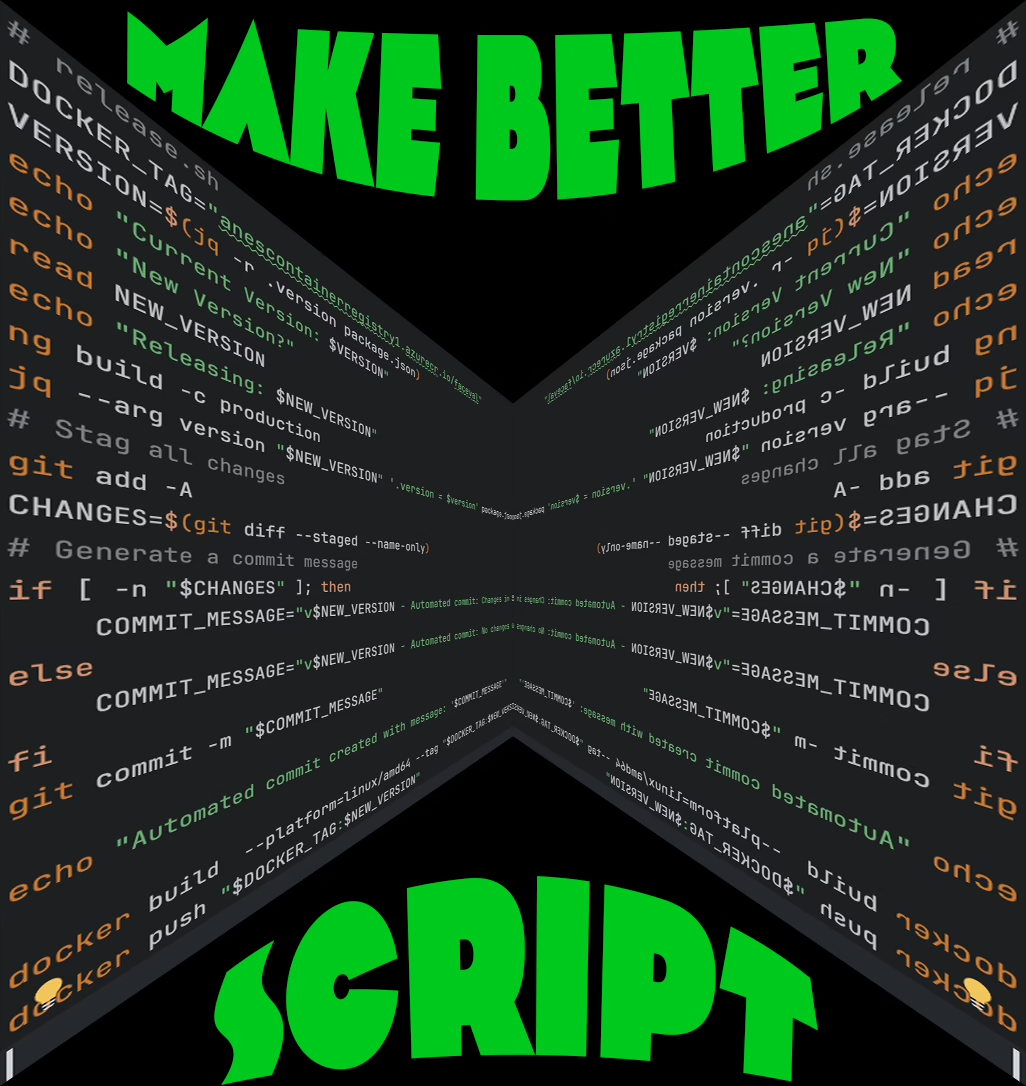
Although this doesn’t take me long, I knew I was wasting time, waiting for each step, instead of moving to my next task, so I wrote a quick script. Here is what it does:
# release.sh
DOCKER_TAG="containerregistry.azurecr.io/appname"
VERSION=$(jq -r .version package.json)
First I set some variable: the docker tag, and the current version from the package.json.
echo "Current Version: $VERSION"
echo "New Version?"
read NEW_VERSION
echo "Releasing: $NEW_VERSION"
Next, I ask the user (me) what the new version should be.
ng build -c productionCompile the Angular project.
jq --arg version "$NEW_VERSION" '.version = $version' package.json > tmp.json && mv tmp.json package.jsonChange the version in the package.json
git add -A
CHANGES=$(git diff --staged --name-only)
# Generate a commit message
if [ -n "$CHANGES" ]; then
    COMMIT_MESSAGE="v$NEW_VERSION - Automated commit: Changes in $CHANGES"
else
    COMMIT_MESSAGE="v$NEW_VERSION - Automated commit: No changes detected."
fi
git commit -m "$COMMIT_MESSAGE"

echo "Automated commit created with message: '$COMMIT_MESSAGE'"
Git – add changes and use the ‘diff’ to generate a commit message.
docker build  --platform=linux/amd64 --tag "$DOCKER_TAG:$NEW_VERSION" .
docker push "$DOCKER_TAG:$NEW_VERSION"
Build and push Docker using the tag and version variables.
That’s it. Sure it can be more complicated, but this fixes a problem and make me more efficient and that is a win.